

Most teams using AI in engineering are optimizing the wrong thing. They focus on coding speed because it’s the most visible part of SDLC. But coding is rarely the real constraint.
If your delivery pipeline is slowed down by unclear requirements, review bottlenecks, fragmented tooling, or frequent context switching, AI-generated code only reaches the next bottleneck faster. That’s why most of the teams often see impressive demos but disappointing delivery metrics. Cycle time doesn’t improve because the system around the code hasn’t changed.
Teams getting outsized results with AI aren’t just adopting new tools; they’re redesigning how work moves from idea to production.
In our webinar “From AI Tools to AI-Native Engineering: Reducing Cycle Time at Scale,” Ritesh Agarwal, our Solution Architect shared a set of practical tactics that engineering leaders can implement immediately to start seeing measurable gains in delivery speed within a week.
These AI tactics are drawn directly from a real project where our lean engineering team rewrote a multi-million line monolithic codebase in six months. A project that, by any conventional estimate, would have taken two years with two to three times the headcount.
Want the full story behind the project? [Read the case study →]
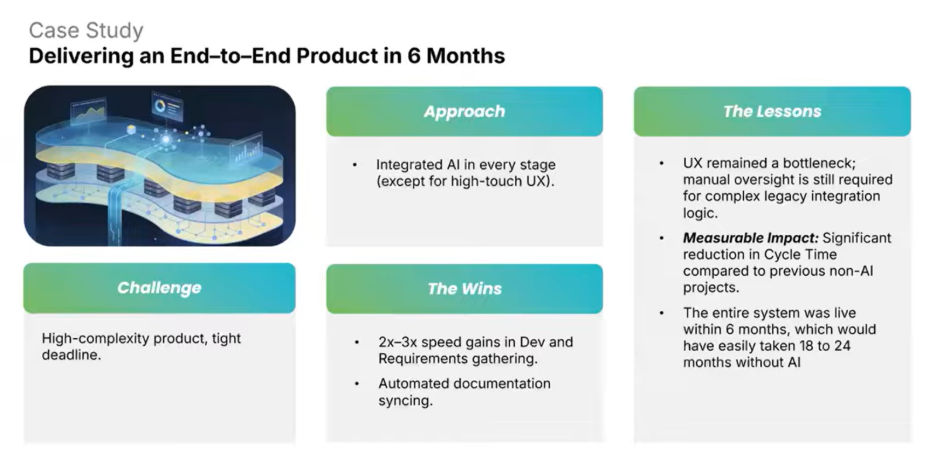
Here are the exact practical AI Tactics we used, and you can also apply them starting this week.
Tactic 1. Build a Rule File
A rule file or a skill file is a standing brief for your AI tools. It specifies the AI what to do, how to do it, and equally importantly, what not to do. Most teams only write the first half. That’s where things break down.
If you omit explicit prohibitions, the AI fills the gaps on its own. For example, if you tell it to use Tailwind for styling but forget to say “do not use any other UI or styling framework” — and it may install Material UI mid-session and start generating code with it. The output may look fine until you realize it’s drifted entirely from your stack.
Your rule file should cover:
- Coding standards and naming conventions
- Architecture patterns already in use — if you’re using Redux, state it explicitly. Don’t leave it for the AI to search, guess, and inconsistently apply
- Approved libraries and frameworks
- Hard prohibitions — what the AI should never install, generate, or assume
Apply this across your entire engineering function, not just frontend or backend developers. DevOps engineers writing Terraform or Helm charts benefit from the same discipline. The rule file is the foundation everything else is built on.
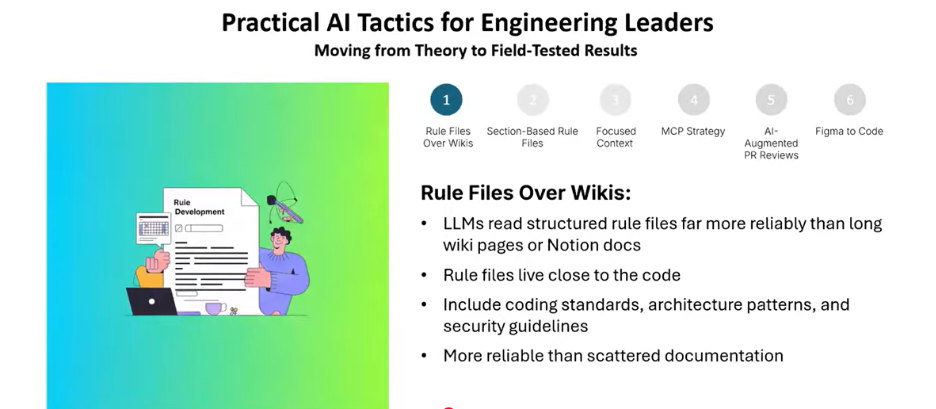
Tactic 2. Structure Your Rule File into Sections
A rule file usefulness depends on its structure. A single block of mixed instructions like security rules, naming conventions, and component guidelines makes it very hard for the AI to navigate and apply them precisely.
The fix is simple: break it into clearly named sections. When you organize your rule file into discrete sections security, naming conventions, component structure, testing standards, third-party library policy the quality of AI output changes dramatically.
The same instructions, better organized, yield meaningfully better results. Get tactics 1 and 2 right and the downstream impact is immediate. Your business PRDs, technical PRDs, and spec generation all improve, without changing anything else in your workflow.
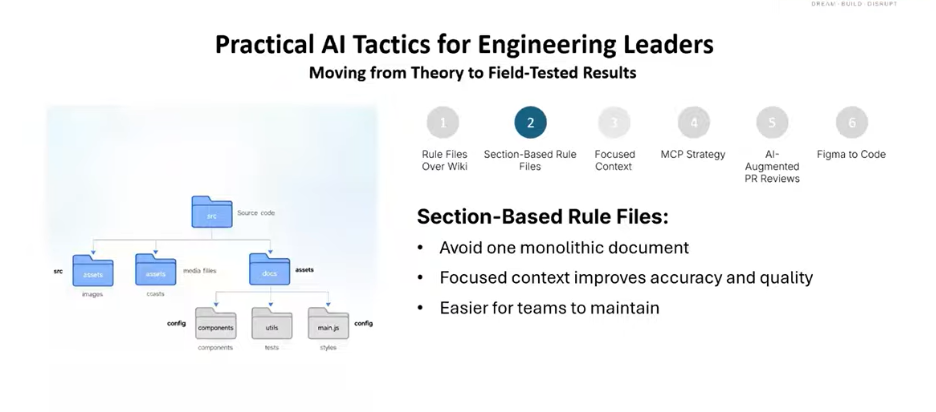
Tactic 3: Keep Chat Context Small and Focused
This is one of the most overlooked and costly mistakes engineering teams make.
AI models have no persistent memory between turns. Every message reloads the full conversation context from scratch. If you’ve had five exchanges and loaded 10 files per exchange, your sixth message costs the same as processing all of that again.
On a model like Claude Sonnet 4.5, that can run 60 to 70 cents for a single message. On models like Claude Opus 4.6 or GPT-5.4, a context-heavy session can cost several dollars just to type a “hi.” The newer and more powerful the model, the more expensive a bloated context becomes.
Limit each chat session to 5 to 7 iterations, focused on a single, well-defined task. Open a new session for the next task. The leaner the context, the faster, cheaper, and more accurate your AI performs.
This applies whether you’re working in Claude Code, Cursor, or any other AI coding tool. Treat context like working memory to protect it.
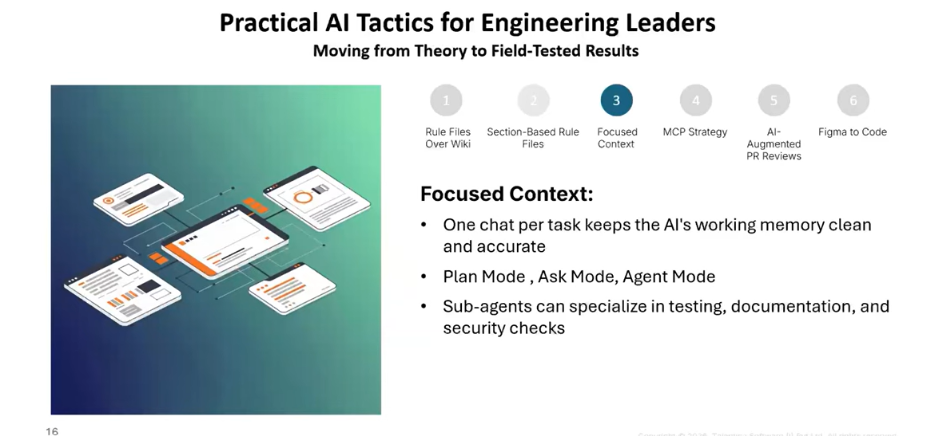
Tactic 4: Choose the Right Mode for the Task
Most AI coding tools offer multiple interaction modes. Using the wrong one for the task at hand wastes time and produces weaker output.
- Ask mode. Best for architecture discussion, design exploration, spec generation, and anything where you want to think through options before acting
- Agent mode. Best for execution: writing, editing, running commands
- Plan mode. Useful for complex multi-step tasks, but often outperformed by ask mode when rule files and skill files are properly configured
With a well-structured rule file in place, ask mode can generate better design outputs than the built-in plan mode in tools like Cursor. The investment in your rule file is what unlocks that. Without it, plan mode is a reasonable fallback. With it, ask mode gives you more precision and control.
Tactic 5. Be Selective With MCPs
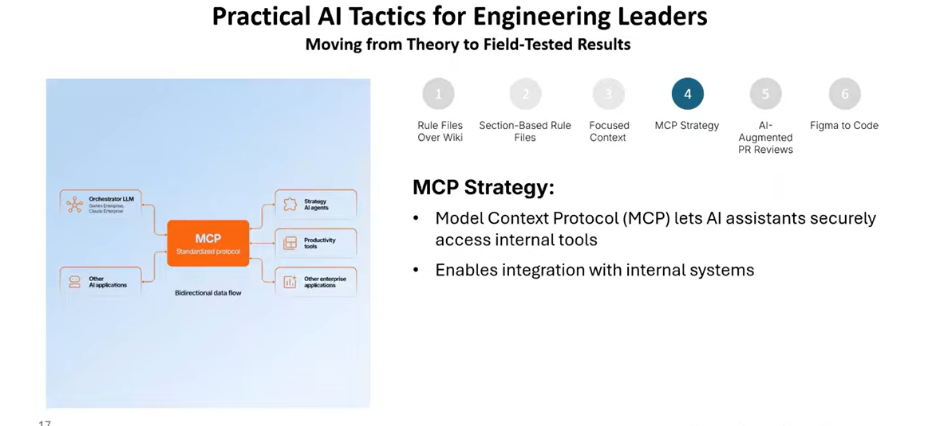
Model Context Protocol integrations (MCPs) give your AI tools access to external services like GitHub, Figma, Jira, and more. They are powerful. They are also frequently over installed.
Every MCP you have enabled sends its metadata JSON with every single API call, whether or not that MCP is relevant to what you’re doing. The more MCPs installed, the more tokens consumed on every request. That’s real cost with zero corresponding benefit when the MCP isn’t in use.
You should install only what your active workflow requires. For example, for AI-augmented PR reviews, the GitHub MCP is sufficient. For Figma-to-code work, the Figma MCP.
Add others only when a specific workflow demands them, and remove what you’re no longer actively using. Hundreds of MCPs are available in the market. That doesn’t mean you need them. Keep it lean.
Tactic 6. Use AI to Automate 80% of Your PR Reviews
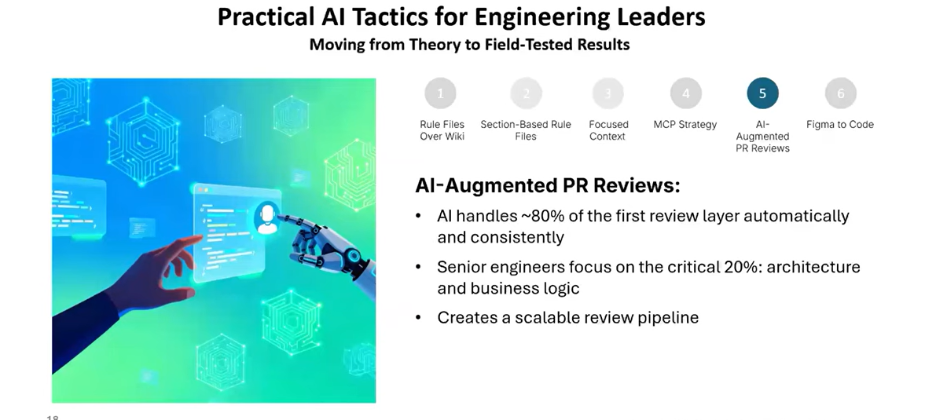
PR review is one of the most consistent cycle time killers in software delivery. It compounds across every sprint and every team. AI-augmented review doesn’t replace human judgment it handles the systematic, rule-based portion so humans can focus on what actually requires judgment.
Here’s how it works: using the GitHub MCP paired with a structured rule file, you instruct the AI exactly what to look for in every pull request. For example:
- Check frontend code for exposed secrets or API keys it catches them immediately
- Score the PR on release-readiness out of 100, with a specific list of what needs to change before it’s merge-ready
The result: roughly 80% of the review workload is handled automatically in minutes. The remaining 20% goes to human reviewers who can now focus entirely on the calls that require context and judgment, not pattern-matching.
Tactic 7. Use Figma –to-Code Pipeline
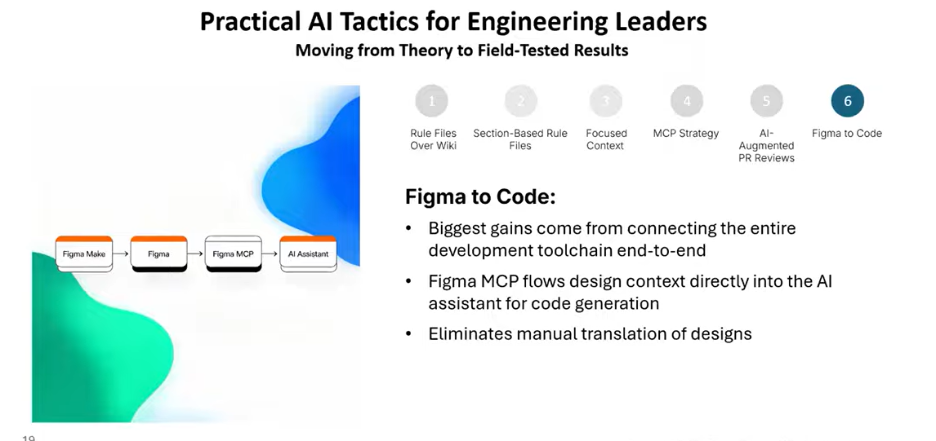
Figma-to-code is one of the highest-leverage tactics for compressing frontend build cycles. Using the Figma MCP to convert design screens directly into React, you can get 80 – 85% accuracy but only if you’re using the right model.
Sonnet 4.5 and Opus 4.6 work well. GPT-5.4 is a different story. Despite performing strongly on backend tasks, it currently has serious issues with UI work. Don’t assume a model that performs well on logic will perform equally well on interfaces. Pay attention to which model you’re switching to inside Cursor or Copilot it makes a measurable difference.
One tool worth watching: Google’s Paper design tool. Unlike Figma, which is vector-based, Paper is HTML/CSS-based which means it converts ideas to interactive prototypes much faster and works particularly well with Cursor. As more tools like this emerge, the Figma-to-code pipeline will only get faster and more accurate.
Where to start this week
You don’t need to implement all seven tactics at once. Start with tactics 1 and 2 (your rule file and its structure). Everything else builds on that foundation. If your team has no rule file today, create a minimal one this week: your stack, your architecture patterns, your approved libraries, and a short list of explicit prohibitions.
Organize it into sections. Share it with your team. Within a week, you’ll see measurable improvement in AI output quality. Within a month, the downstream effects faster PR reviews, more consistent specs, fewer rework cycles will be visible across your entire delivery pipeline.
The gap between AI-assisted and AI-native isn’t closed by better tools. It’s closed by better frameworks for using the tools you already have.
Conclusion
The teams seeing the best results from AI tools are not the ones using the most tools or the most powerful models. They are the ones with the most disciplined approach to how those tools are configured and governed.
Rule files, session hygiene, selective MCP usage, and structured PR automation are not advanced topics. They are table stakes for any engineering team serious about AI-assisted development and they are decisions that belong to engineering leaders, not to individual engineers making it up as they go. Start with the rule file. The rest follows from there.
If you’re ready to move from AI-assisted engineering to AI-native engineering, our team can help you get there. [Talk to our engineering team →]
Frequently Asked Questions
What is the difference between AI-assisted and AI-native engineering?
AI-assisted means individual developers use AI tools to work faster. AI-native engineering is an approach to software development in which AI is embedded across every phase of software development life cycle (SDLC), not added on top of it. That difference matters because it changes how the system operates. To understand in detail you can check it here: What is AI-Native Engineering? And Why It Is Different from Using AI-Coding Assistants
What is a rule file in AI-assisted development?
A rule file is a configuration document that instructs AI coding tools on your team’s coding standards, architecture patterns, approved libraries, and explicit constraints including what the AI should never do.
What are MCPs and why does installing too many hurt performance?
MCPs are integrations that give AI tools access to external services like GitHub and Figma. Every installed MCP adds its metadata to every API call, consuming tokens and increasing cost even when that MCP isn’t being used for the current task. Install only what your active workflow requires.
How does AI-augmented PR review work?
Using the GitHub MCP paired with a structured rule file, AI tools automatically review pull requests for exposed secrets, architecture violations, naming convention issues, and release-readiness handling approximately 80% of the review workload before human reviewers engage.
How accurate is Figma-to-code conversion today?
On models like Claude Sonnet 4.5 and Claude Opus 4.6, Figma-to-React conversion is currently delivering 80 – 85% accuracy. Model selection matters not all models perform equally on UI tasks, so validate before adopting at scale.